


Skip to content
ViralGrader

Free YouTube Shorts analyzerFewer swipe-aways. Check your Short before you publish.

Upload your Short and see how it's likely to do in the Shorts feed: a virality score, a hook score that predicts swipe-aways, a hold estimate and a frame-by-frame list of what to change before you hit publish.

  • Results in about a minute
  • Video deleted after analysis
  • First scan free

dream-girl-short.mp4 · 0:42 · Reels

Sample review
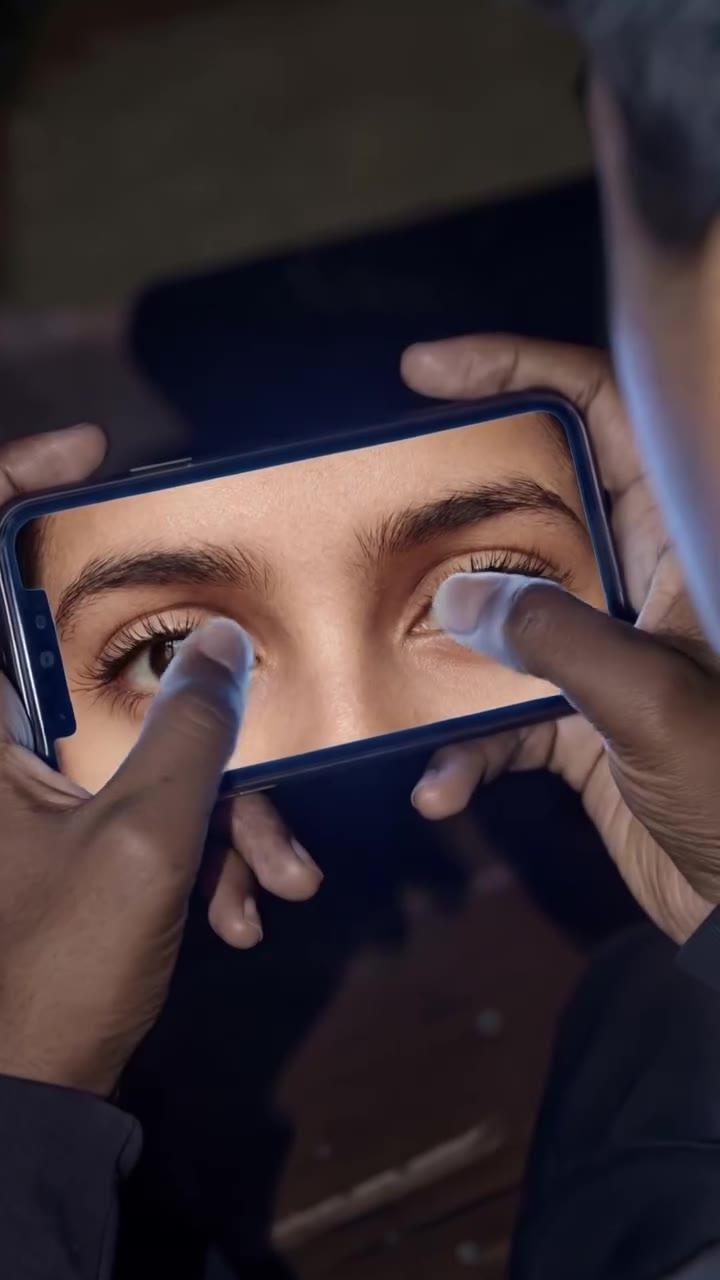
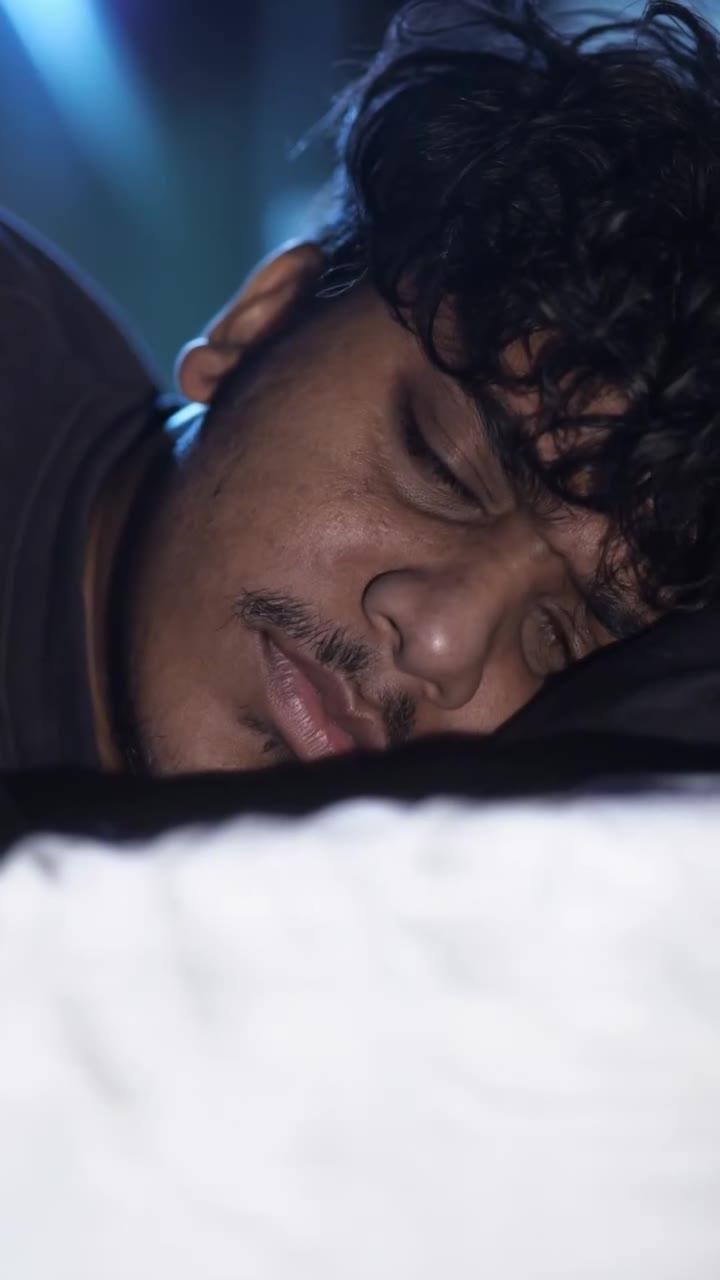
A creator in a dark bedroom at night, looking down and scrolling a phone

POV: she only exists in my phone

0:00.30 · f9

58

Hook
60
Hold
20%

Grade / 100
Dreamy edit, slow start, dead end

How to analyze a YouTube Short

  1. Upload your Short

    The exact file you plan to publish. MP4, MOV or WebM, up to 60 seconds free and 3 minutes on a paid scan.

  2. Pick YouTube Shorts

    We check your text against the Shorts title, channel name, subscribe button and side buttons, and word the advice for Shorts.

  3. Fix, then publish

    Step through each timestamped edit on your own video, re-cut, re-scan and compare.

What the Shorts analysis looks at

Viewed vs. swiped away: the number to beat

For every Short, YouTube Studio shows how many people in the Shorts feed chose to watch it and how many swiped away. That split is decided almost entirely in the opening second or two, which makes it the clearest measure of your hook.

The analyzer's hook score predicts it before you publish. It looks at whether the Short opens on movement, a face, a spoken line or on-screen text, and finds the exact moment it really gets going. Anything before that moment is usually worth trimming.

Where to find your swipe-away rate

In YouTube Studio, open Analytics and the Content tab, then Shorts, to see how many people chose to view your Shorts against how many swiped away. Each Short's own analytics shows the same split. YouTube doesn't publish a target number, and it varies a lot by niche, so compare each Short with your own recent ones.

Use the two together: check the Short here before you publish, then read viewed vs. swiped away after. If the swipe-away rate is high, the first second is almost always where to look, and the analyzer will have marked it.

A Shorts checker for cross-posted videos

Most creators post the same vertical video to Shorts, Reels and TikTok. Each app covers a different part of the screen: Shorts has its title, channel name and subscribe button along the bottom, Reels its caption and audio label, and TikTok its username, caption and sound. Text that's clear on one can be hidden on another.

Pick every app you post to before you scan. Each one gets its own score, and the text check runs against all of their layouts, so one cut works everywhere. For the details of each layout, read the safe zones guide.

Replays count now

Since 31 March 2025, YouTube counts a Shorts view every time a Short starts or replays. The older "engaged views" number is still in advanced analytics. Either way, a Short that loops cleanly, where the last line runs back into the first, earns more replays than one that ends on a dead frame.

Shorts can be up to 3 minutes

Since October 2024, square and vertical videos up to 3 minutes count as Shorts. That's room for a fuller idea, but not a reason to pad. The hold estimate shows whether people are likely to stay for the whole thing, and the edit plan marks the slow stretches to cut.

Keep text clear of the Shorts interface

Shorts puts your title, channel name and subscribe button along the bottom, and the like, dislike, comment, share and remix buttons down the right. The analyzer flags every second where your on-screen text sits underneath them. If you cross-post, pick Reels and TikTok too and it checks all three layouts.

Want a quick pre-publish routine? Read how to tell if a video will go viral.

YouTube Shorts analyzer questions

See pricing

Is the Shorts analyzer free?

+

Your first scan is free with an account: the score, hook score, hold estimate, attention map and your top 3 fixes. Paid plans add every fix, the deep report and videos up to 3 minutes.

What's a good viewed vs. swiped away rate for Shorts?

+

YouTube doesn't publish one, and it varies by niche and audience. The useful comparison is with your own recent Shorts: if a new one is swiped away more often, its first second is the place to fix.

How do I reduce swipe-aways on YouTube Shorts?

+

Open on movement, a face or the result itself, put a short text hook on screen from the first frame, cut any intro or slow lead-in, and make the first spoken word loud and clear. The analyzer marks the exact moment your Short gets going.

Can I paste a YouTube link?

+

No. Downloading videos from Instagram, TikTok or YouTube breaks their terms, so we only score files you upload. Use the export from your editor, or save your own video to your phone first.

How long can my Short be?

+

Up to 60 seconds and 100 MB on the free scan, and up to 3 minutes and 300 MB on a paid scan, the same 3-minute limit YouTube has for Shorts.

Does it work for long YouTube videos?

+

Not yet. It's built for Shorts, Reels and TikToks. Long-form YouTube is on our roadmap.

Does it work for Shorts in other languages?

+

Yes. We transcribe speech in 90+ languages, catch filler words and pauses, and write your hook rewrite in the language you speak. The rest of the report is in English.

Will a good score make my Short go viral?

+

No tool can promise that. Topic, timing, your audience and luck all play a part. The score tells you how well the video itself is built to hold a scrolling viewer, and the fixes show what to change.

What happens to my video?

+

It's uploaded to private storage, analysed and deleted right after. We keep the scores and the edit plan so you can see your history, never the footage.

Sources

  1. YouTube Help: Understand three-minute YouTube Shorts
  2. YouTube Blog: Tall updates coming to Shorts

Check it before you post it.

The first scan is free. Results take about a minute.

Grade my video